See an idea on your own hand

Upload a clear hand photo and a design image to make an AI preview. The result is a creative reference, not an exact salon outcome.

Try Nail Designs on Your Hands

1. Upload Hand Photo

2. Choose Nail Design

3. Virtual Try-On Result

Your result will appear here after generation

Download

Share To

Visualize first

A preview for the conversation

Use a well-lit photo with your nails visible. Add the design image you want to explore, then compare the preview with your original reference.

The AI can change small details, color and placement. Your nail artist can help turn the reference into a practical manicure.

Need a design image? Create one →
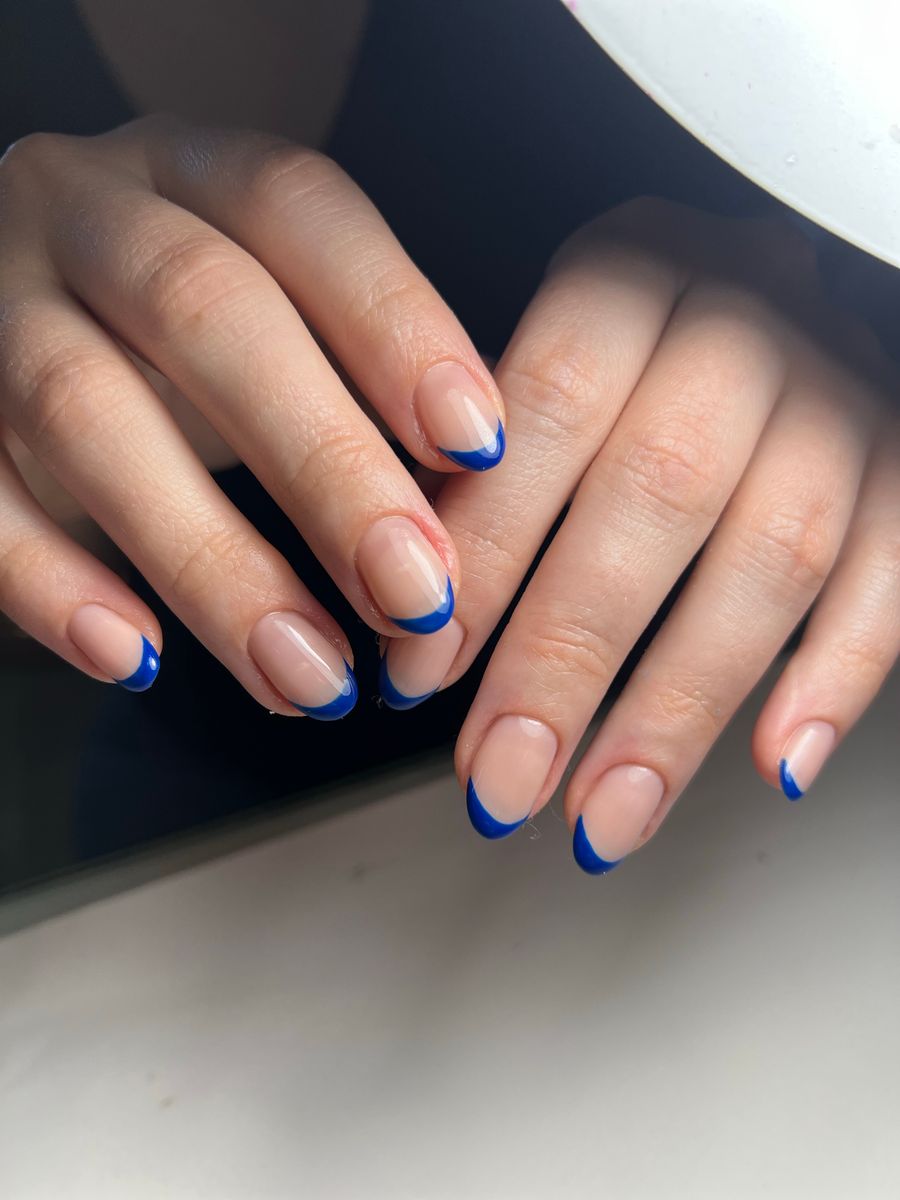
Geometric nail design inspiration

For a clearer preview

Natural light

Avoid harsh shadows and color filters.

Visible nails

Rest your hand on a plain surface with fingers apart.

Keep the result

Download a useful preview before leaving the page. There is no saved gallery yet.

How to prepare a virtual nail try-on

Upload a clear hand photo with visible nails, then choose a design image. Keep fingers separated and avoid strong shadows so the preview has a clear starting point. Use a photo you have permission to upload.

What should I check in the result?

Compare the preview with your original hand photo. Look for changes to finger shape, nail edges and the placement of the design. AI can distort fine details; save the result as inspiration and ask your nail artist about feasible length, materials and finish.

Do I need a design first?

You can create a direction with the nail design generator or use a design image you have permission to share. If you are unsure about the silhouette, start with nail shape analysis.

Account, privacy and usage

Check plans and usage allowances before starting. Review the privacy policy for how uploaded images are handled. Sample inspiration photos are not proof of an AI result.

Loading...